Special Offer: Want to experience top-tier hosting with an exclusive discount? Use the given link to get 20% off your first plan: Hostinger Link with Code

Introduction: Why Web Hosting Choice Defines Your Digital Success
When building, running, and scaling a digital property, selecting the right web hosting provider is the single most consequential decision you will make. Performance, stability, security, and developer ergonomics dictate whether your site scales smoothly or struggles under sudden traffic spikes.
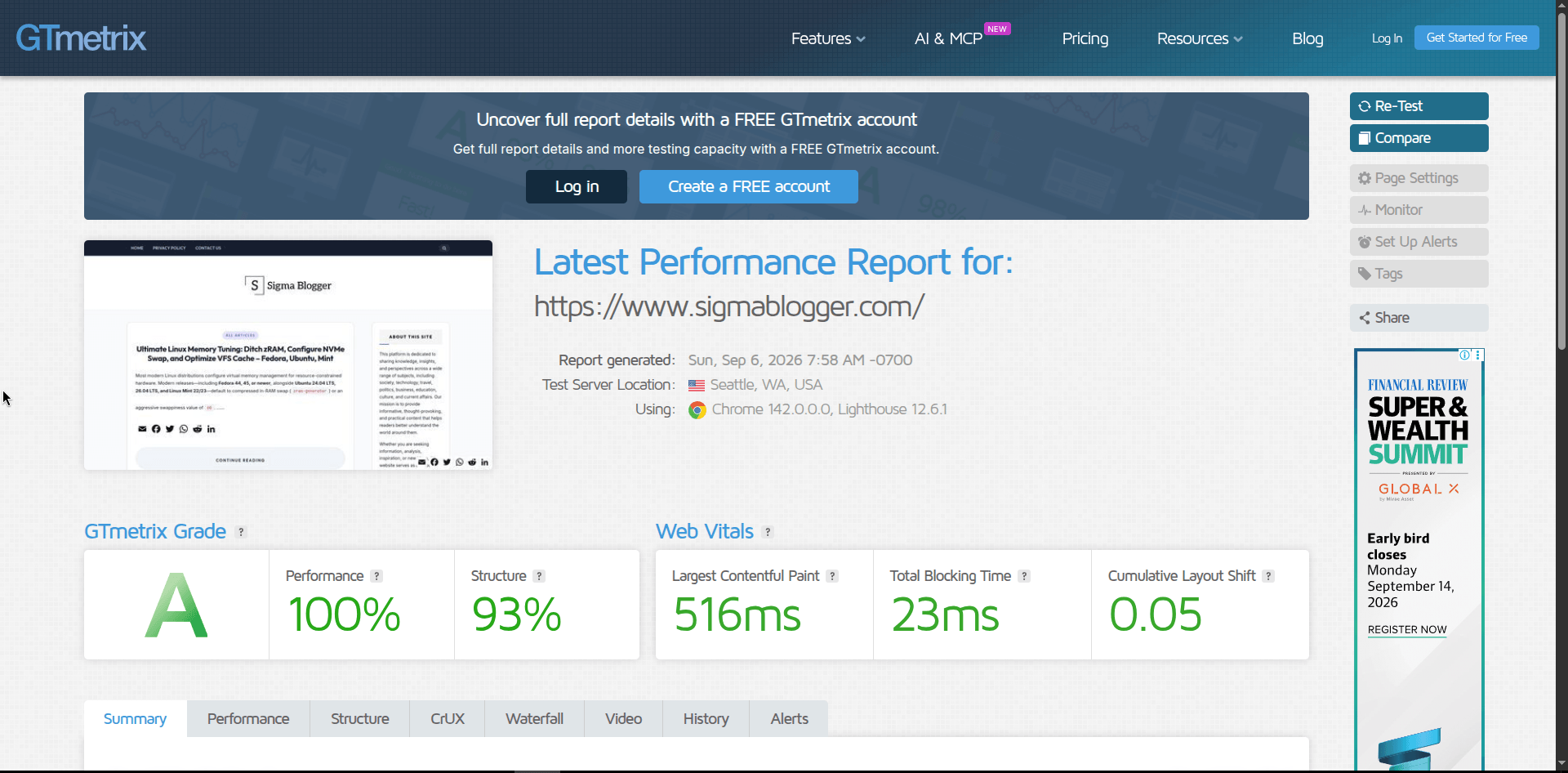
For Sigmablogger.com, maintaining peak performance is an absolute necessity. After evaluating various infrastructure setups, hosting the site on Hostinger has delivered exceptional real-world results—most notably achieving a flawless 100% performance score on GTmetrix.
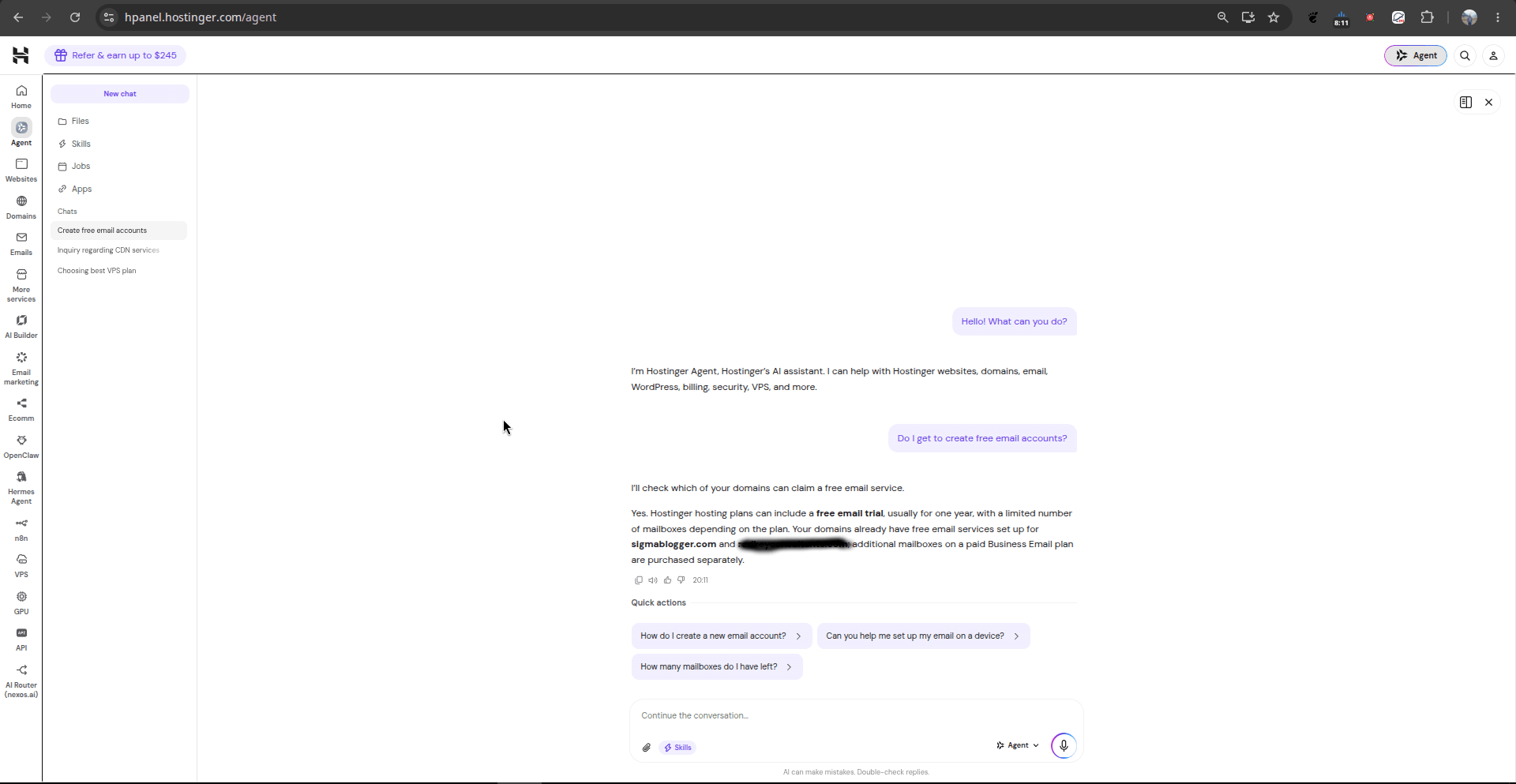
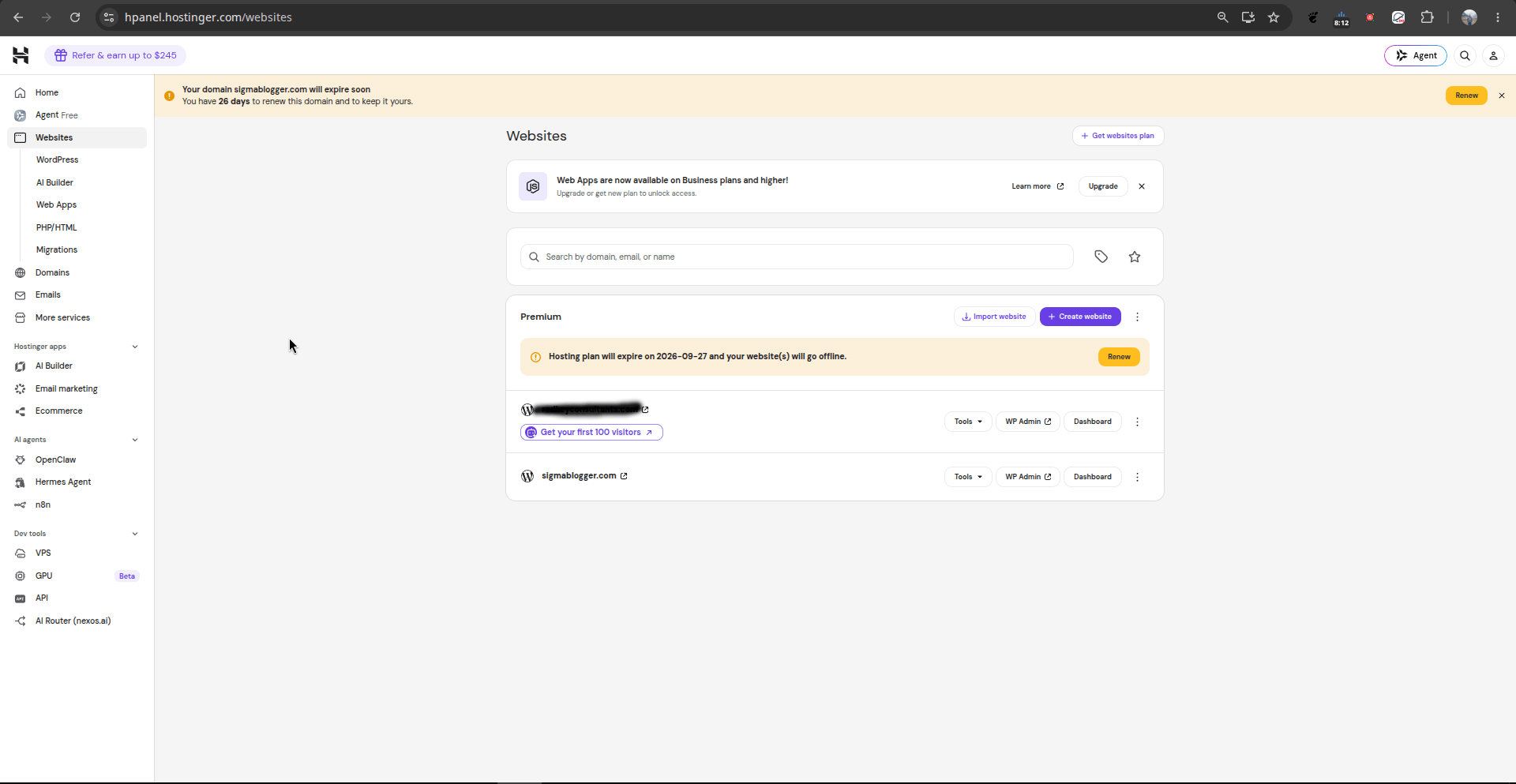
Hostinger has evolved far beyond a basic budget shared hosting provider. Through its modern control panel (hPanel) and advanced ecosystem integrations, it offers enterprise-grade power, advanced developer tools, and cutting-edge artificial intelligence capabilities. Below is an exhaustive review examining every feature showcased across Hostinger’s control panel dashboard, alongside a complete breakdown of its hosting tiers, feature comparisons, and pricing ranges strictly in USD.
1. Blazing Performance, Speed, and Technical Architecture
The cornerstone of any successful website is lightning-fast loading speeds. Slow load times hurt user retention, lower search engine rankings, and spike bounce rates. Hostinger addresses these challenges through a robust infrastructure stack:
- GTmetrix 100% Score: Running Sigmablogger.com on Hostinger’s optimized architecture yields a perfect 100% performance score. This indicates superior Time to First Byte (TTFB), minimal latency, efficient asset delivery, and proper caching execution.
- LiteSpeed Web Server Technology: Hostinger utilizes LiteSpeed Web Servers instead of traditional Apache setups. This delivers superior handling of concurrent connections, native LSCache integration, and lightning-fast PHP processing.
- Built-in Content Delivery Network (CDN): Global edge caching ensures that visitors from any geographic location load static assets instantly, drastically reducing origin server load.
- Uptime & Availability: High-availability server clusters ensure that search engine crawlers and real users can access your site at any second without unexpected interruptions.
2. Navigating the hPanel Dashboard: Feature Breakdown
Hostinger’s proprietary control panel, hPanel, replaces clunky legacy interfaces with a clean, telemetry-rich command center:
A. Active Site Overview & Telemetry
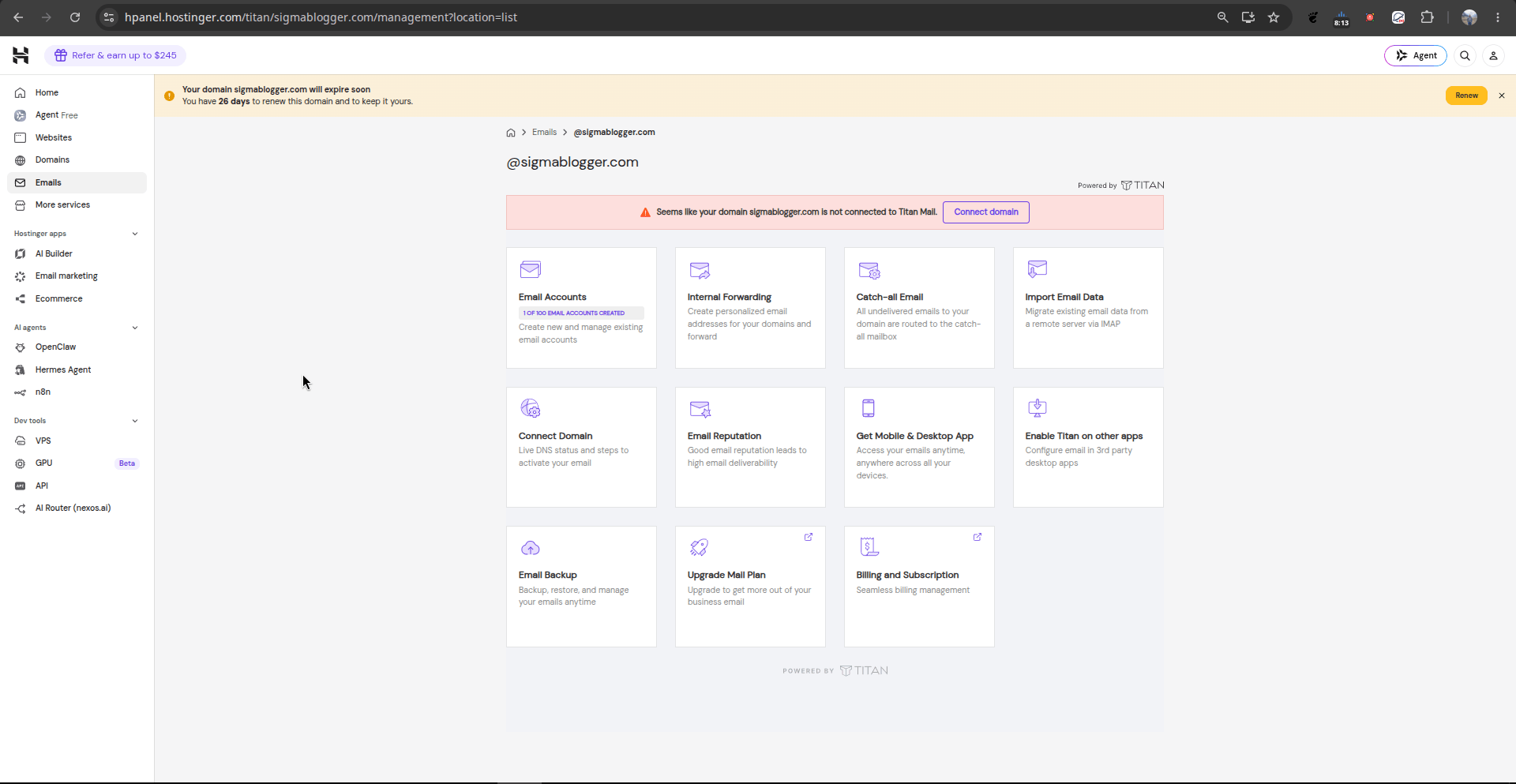
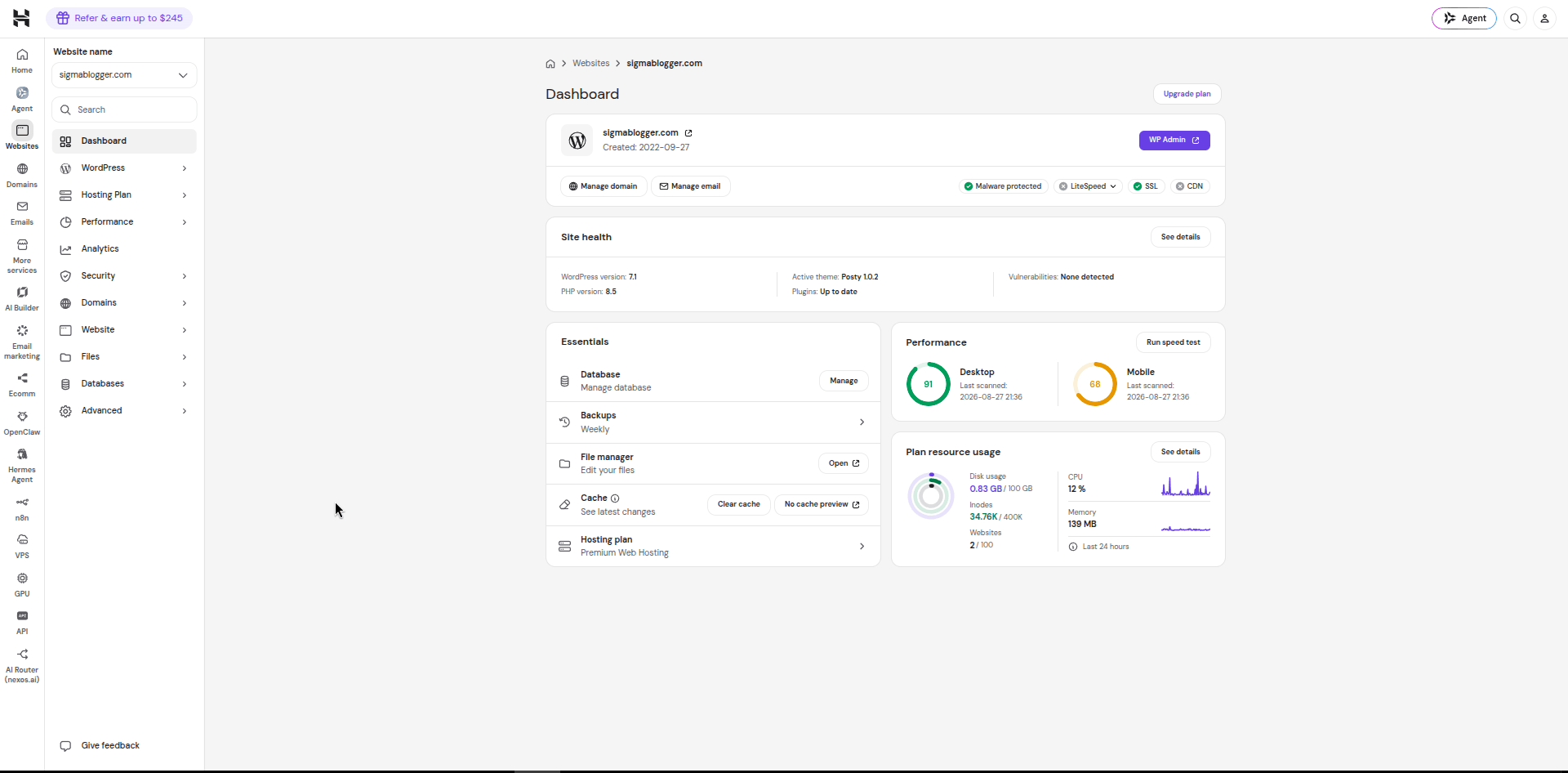
- What You See: The centralized dashboard displays active domain details (
sigmablogger.com, created on 2022-09-27) alongside 1-click shortcuts to WP Admin, domain management, email configuration, malware protection status, LiteSpeed server status, SSL certificates, and CDN routing. - Site Health & Security: Real-time diagnostics monitor the WordPress deployment (WordPress 7.1 running PHP 8.5), active theme (Posty 1.0.2), automated plugin updates, and threat detection (“Vulnerabilities: None detected”).
- Essentials & Resource Monitoring: Quick access to database management, weekly automated backups, file managers, and cache flushes. The live resource graphs track disk space consumption (0.83 GB / 100 GB), inode counts (34.76K / 400K), active CPU load (12%), and RAM consumption (139 MB).
B. AI Website Builder
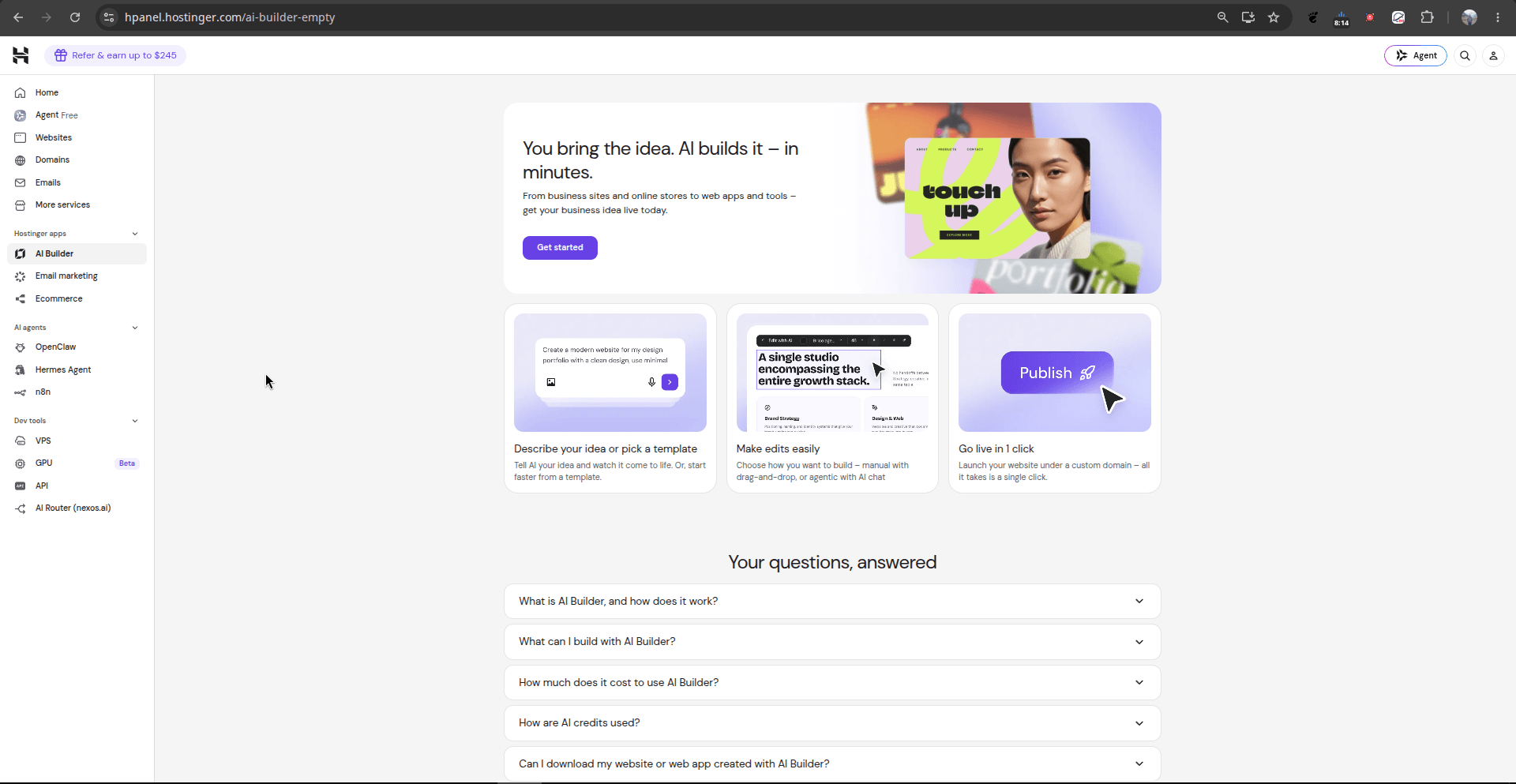
- What You See: The AI Builder dashboard states: “You bring the idea. AI builds it—in minutes.” Users can select templates, generate entire page layouts via natural language prompts, make edits in a drag-and-drop workspace, and publish with 1 click.
- Feature Review: Accelerates development for landing pages, rapid MVPs, and client prototypes without requiring manual front-end code generation.
C. AI-Driven Email Marketing Suite
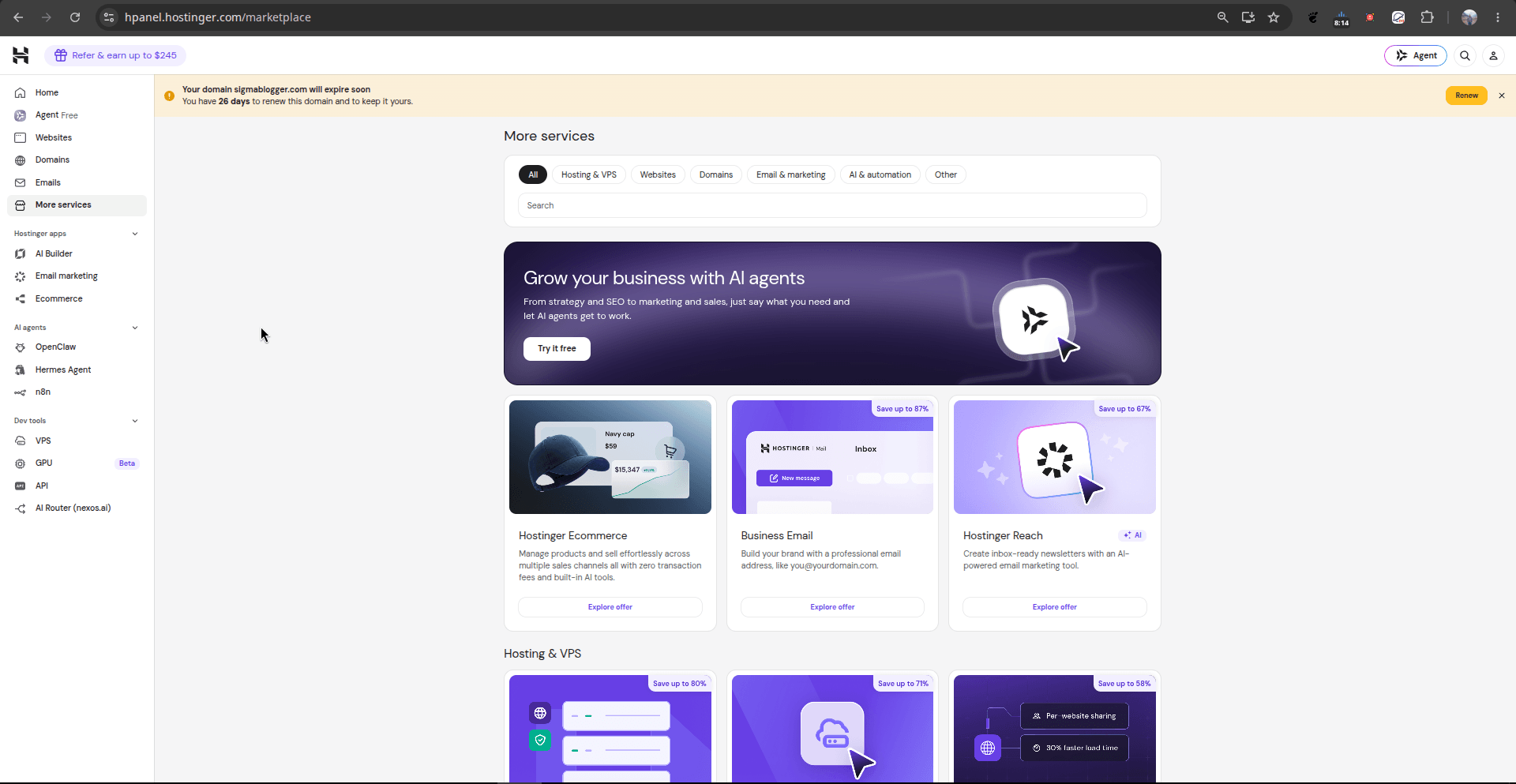
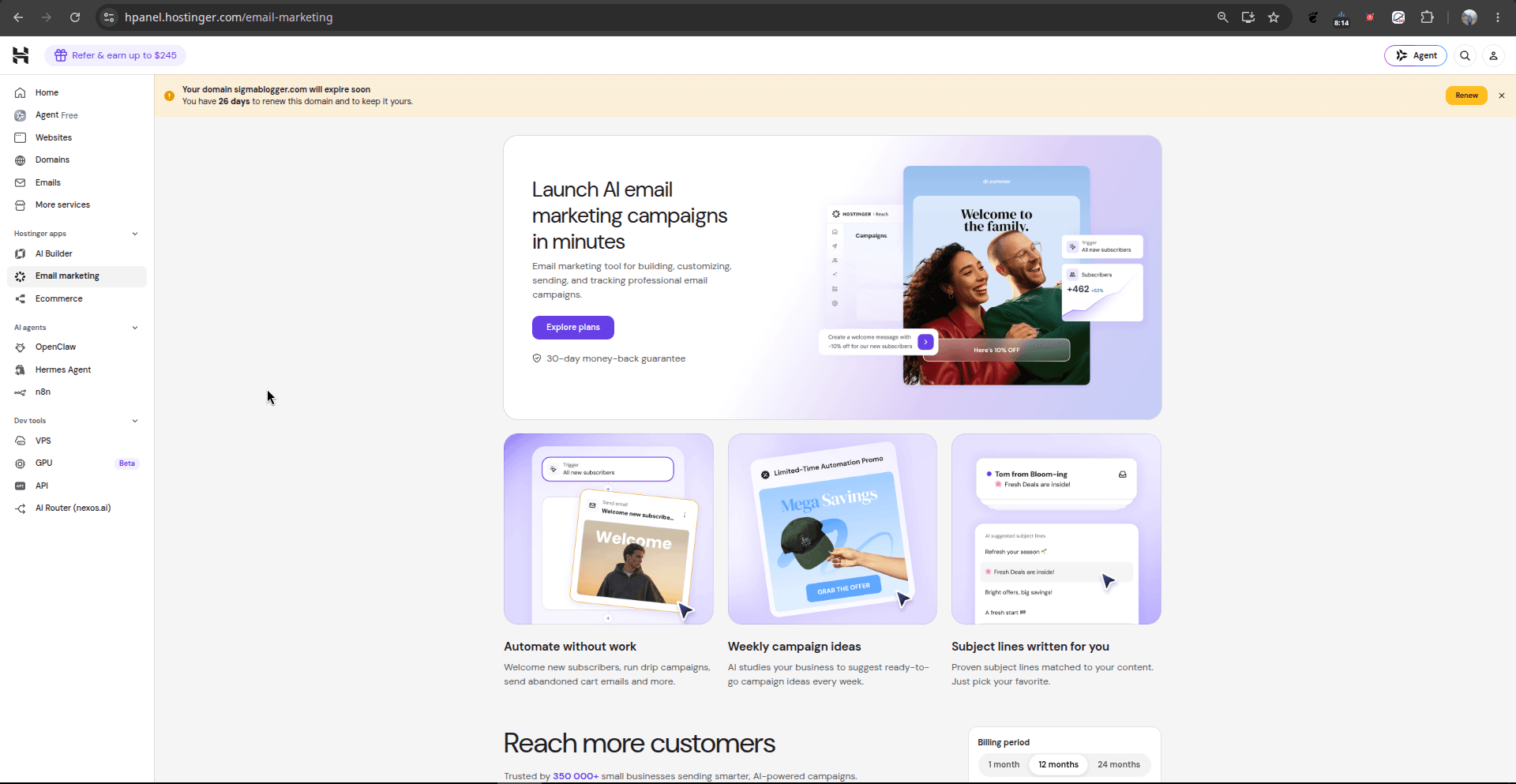
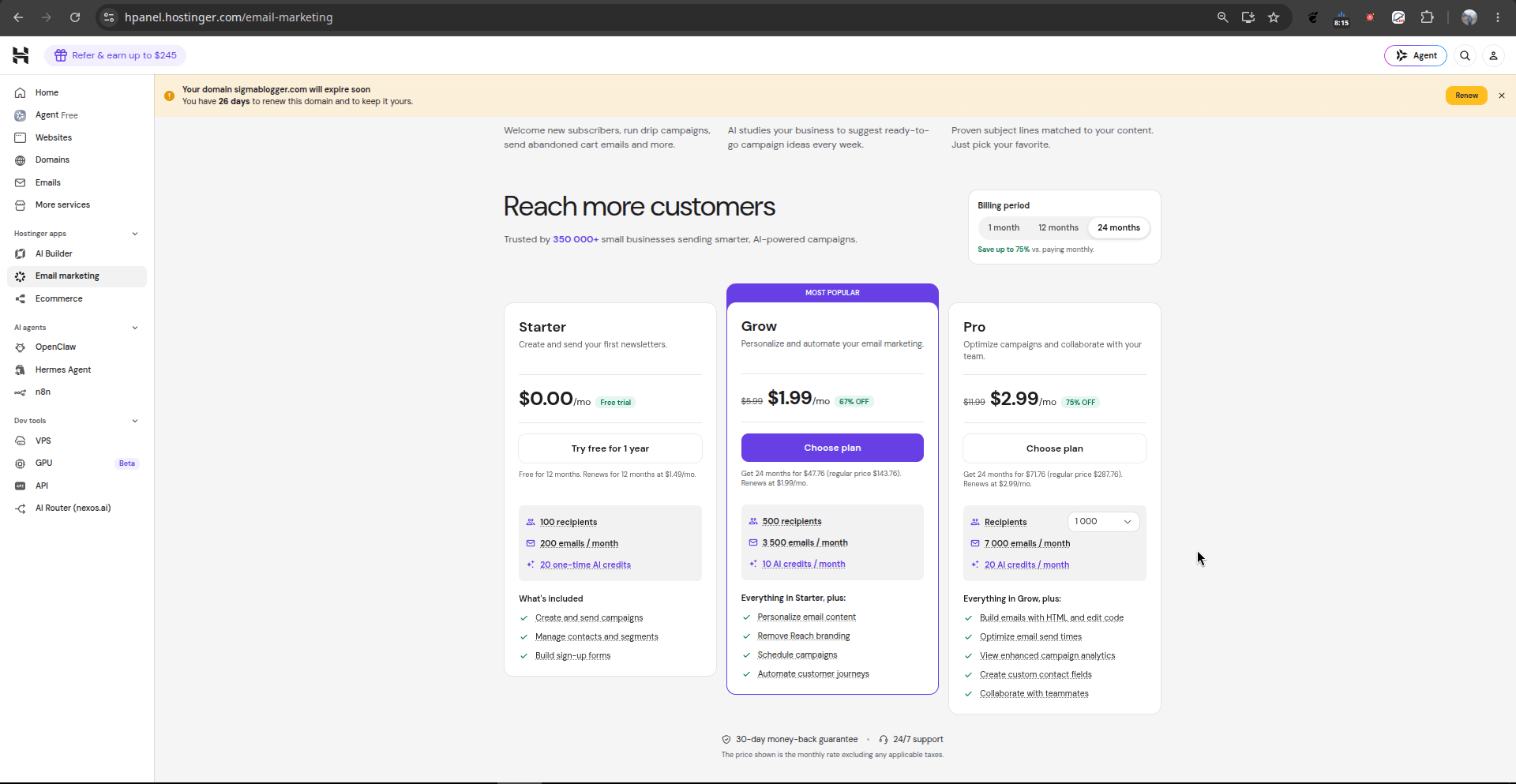
- What You See: Hostinger Reach provides automated customer lifecycle marketing with clear tier levels (Starter, Grow, and Pro) supporting automated drip campaigns, subject line generation, HTML code editing, and delivery optimization.
- Feature Review: Eliminates third-party subscription fees for external email marketing platforms while handling newsletter broadcasts and automated sequences natively.
D. AI Agents and Process Automation
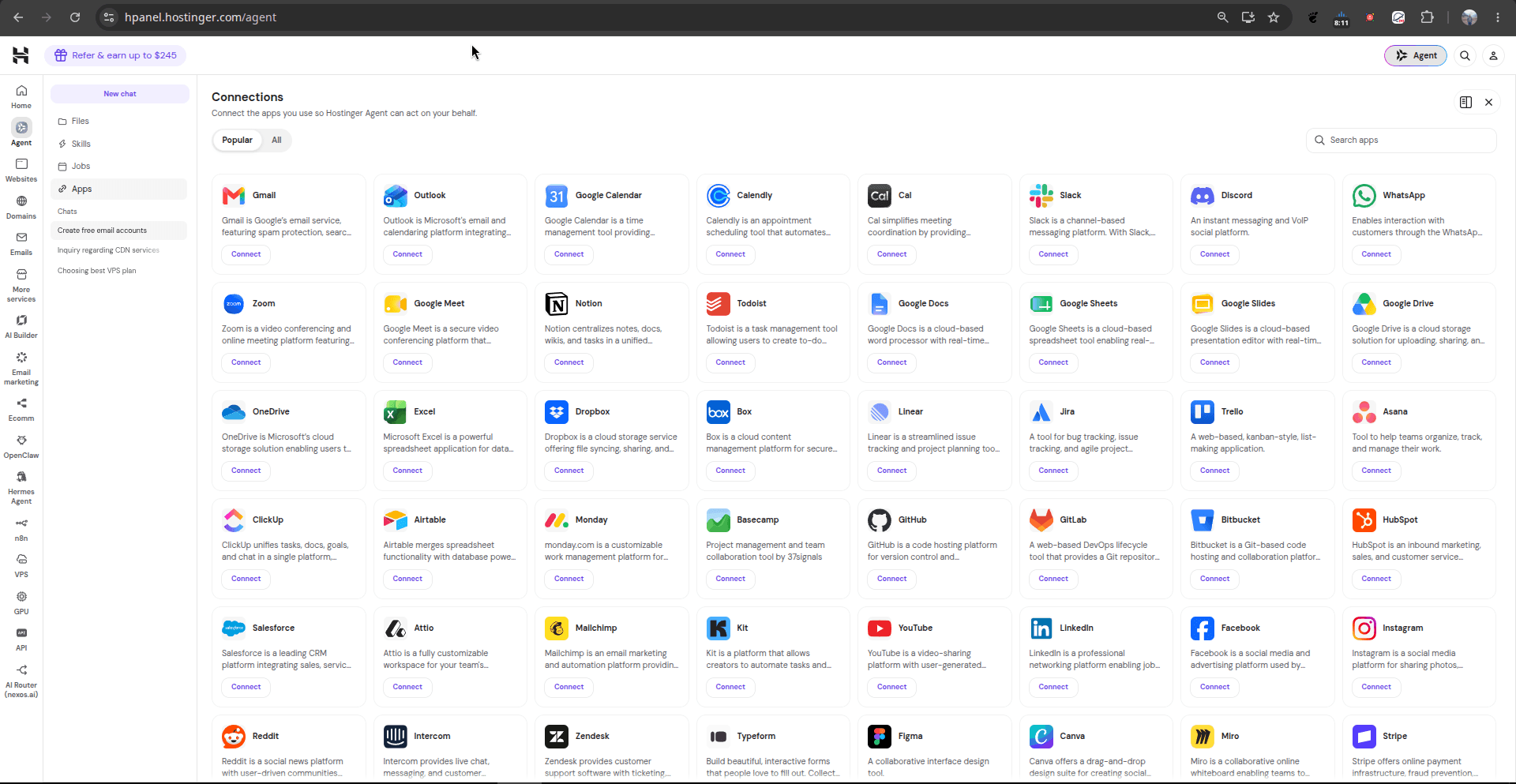
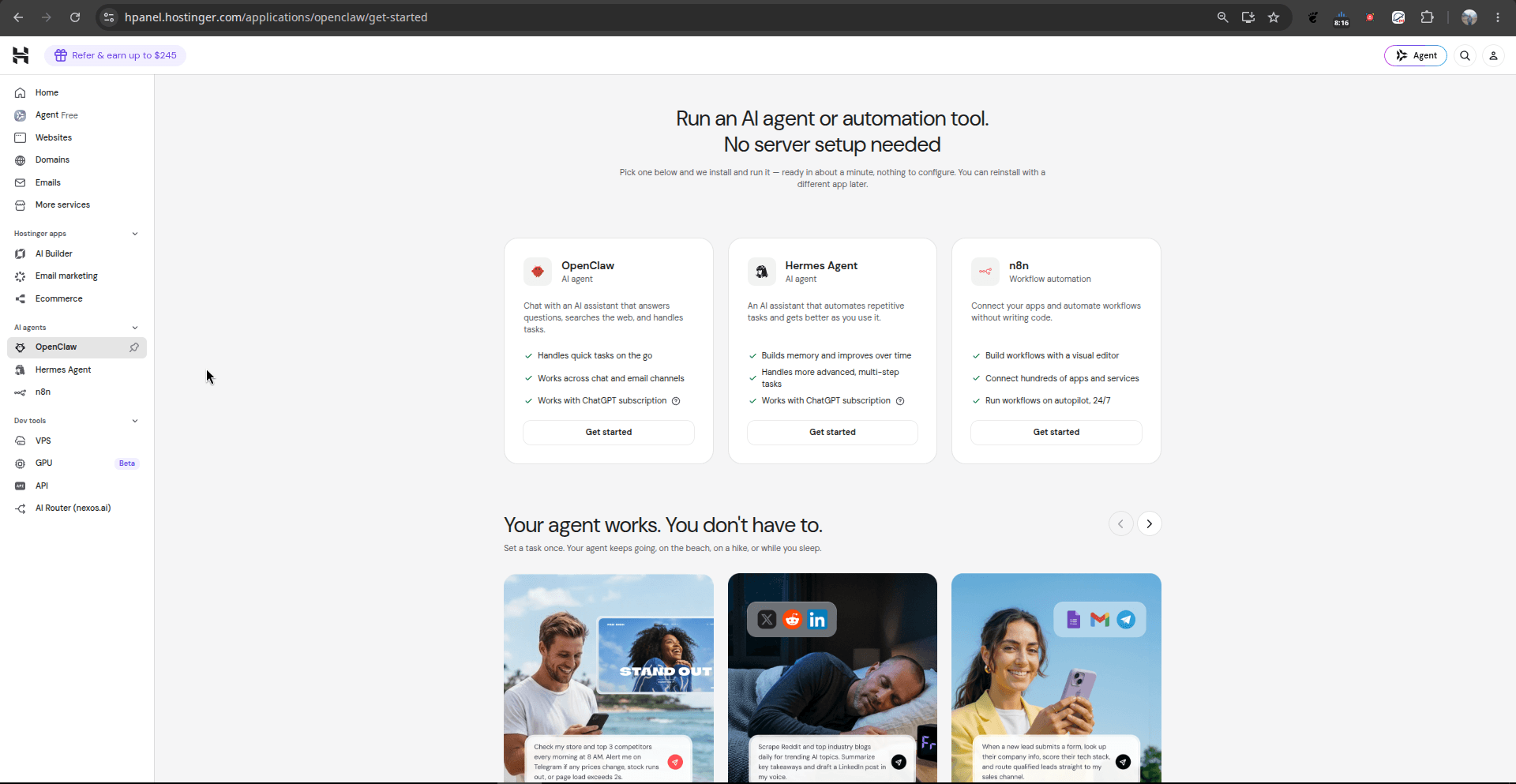
- What You See: A dedicated automation interface featuring OpenClam, Hermes Agent, and n8n workflow automation.
- Feature Review: Allows users to deploy persistent autonomous agents that execute multi-step routines across chat, email, and social channels with zero manual server orchestration.
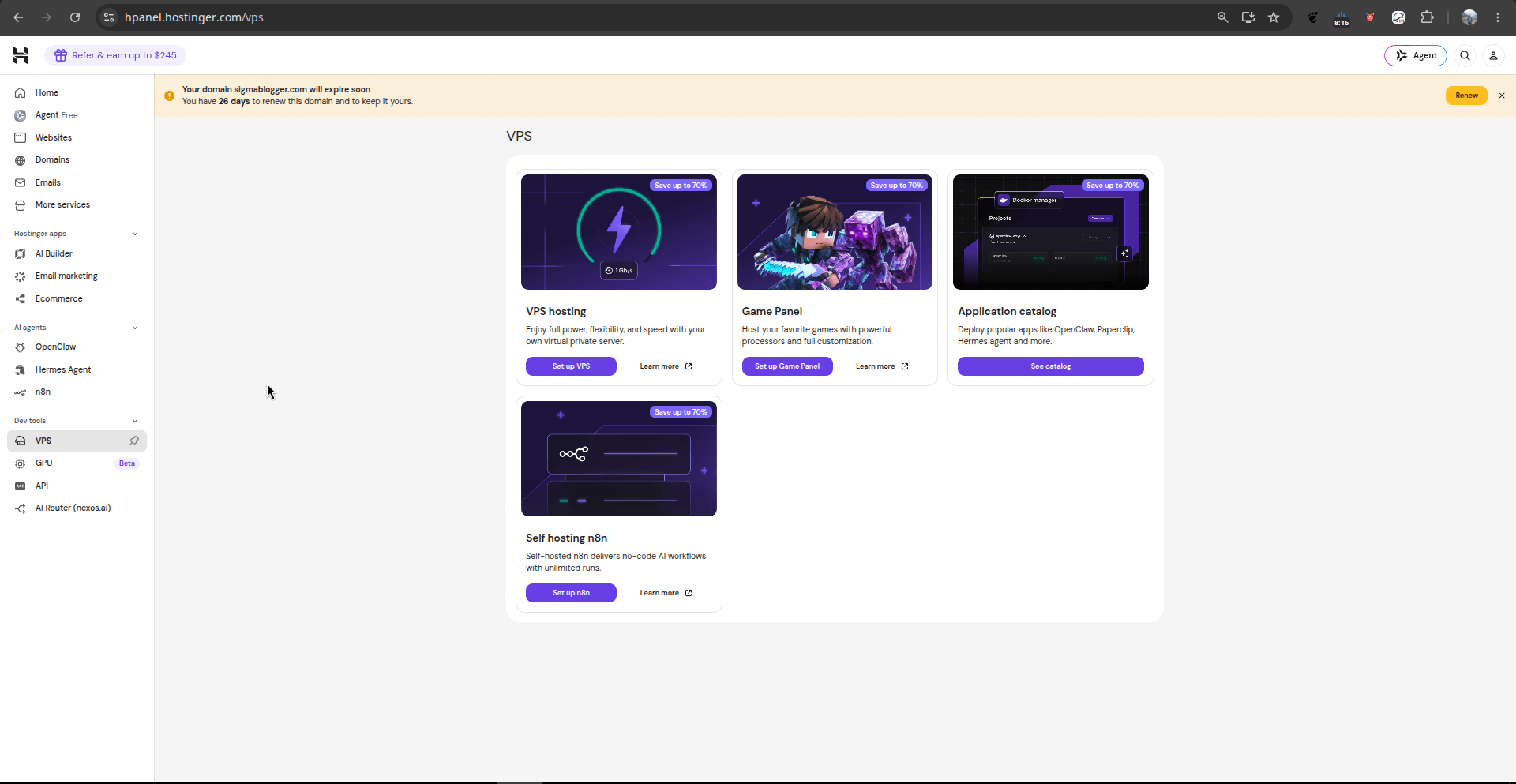
E. VPS Management & Application Catalogs
- What You See: Dedicated portals for virtual server deployment, specialized Game Panels (such as Minecraft servers with isolated compute), container hosting, and self-hosted n8n instances.
- Feature Review: Gives technical teams complete sovereignty over compute nodes, software dependencies, and network parameters.
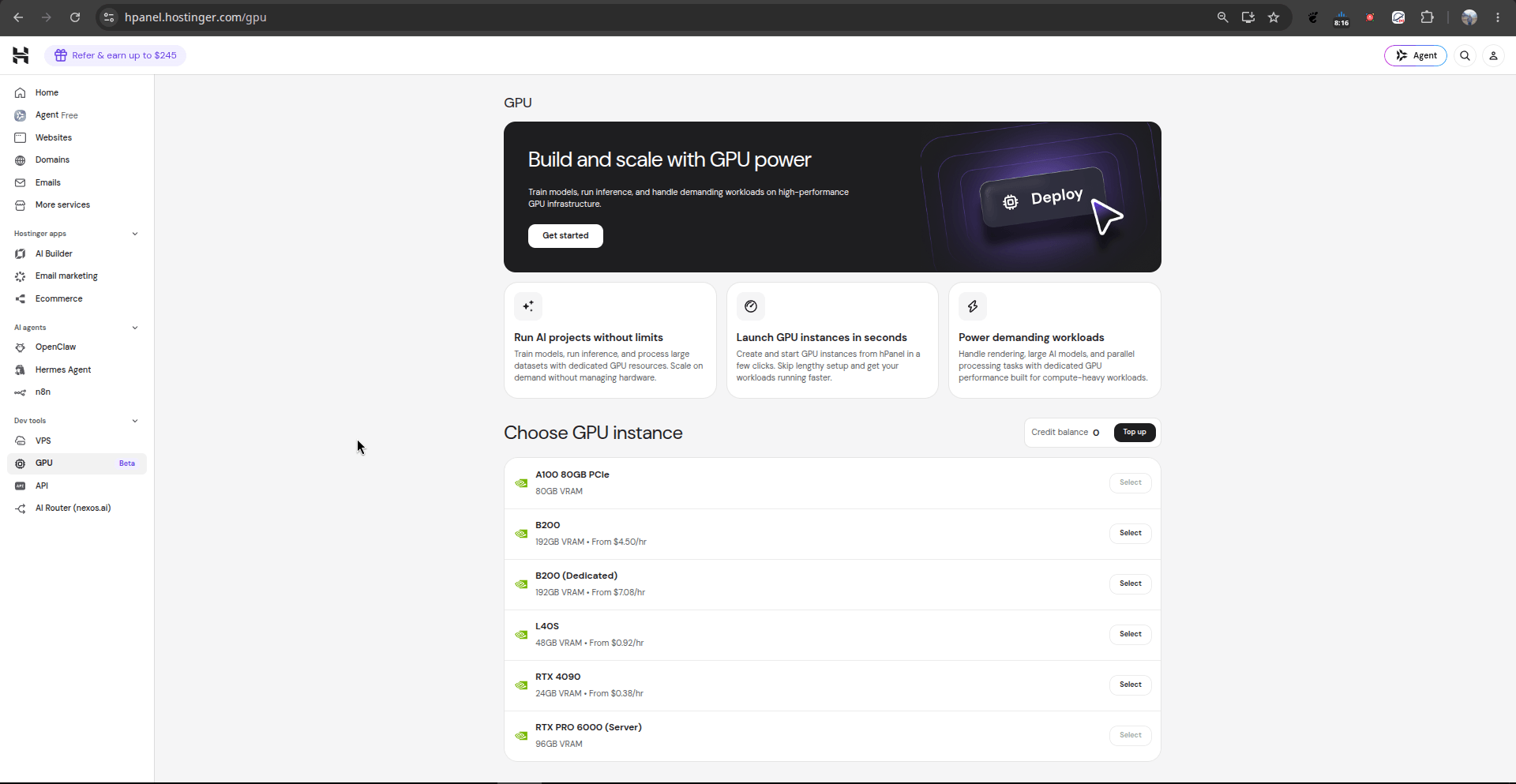
F. Enterprise GPU Infrastructure
- What You See: Titled “Build and scale with GPU power,” this portal enables instant deployment of dedicated high-performance hardware: NVIDIA RTX 4090 (24 GB VRAM), NVIDIA L40S (48 GB VRAM), NVIDIA B200 (192 GB VRAM), NVIDIA B200 Dedicated, NVIDIA A100 PCIe (80 GB VRAM), and NVIDIA RTX PRO 6000 Server (96 GB VRAM).
- Feature Review: Eliminates heavy capital expenditures for AI engineers and researchers requiring burstable compute for fine-tuning, embedding generation, and high-throughput inference.
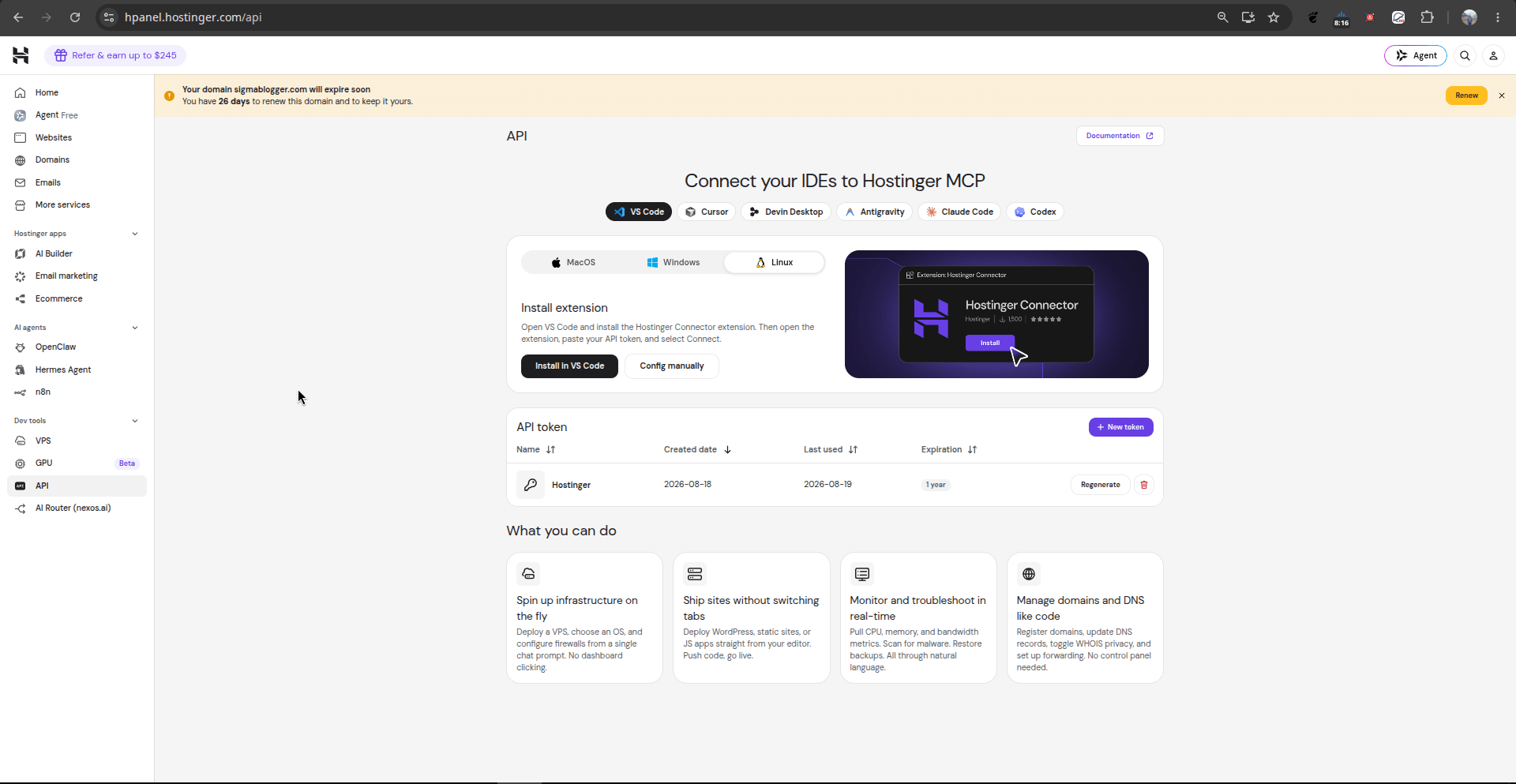
G. Developer MCP & IDE Integrations
- What You See: Under “Connect your IDEs to Hostinger MCP,” the control panel enables direct integration with developer environments—including VS Code, Cursor, Devin Desktop, Antigravity, Claude Code, and Codex across macOS, Windows, and Linux.
- Feature Review: Leverages Model Context Protocol (MCP) and secure API tokens, allowing developers to spin up servers, deploy code, check logs, and edit DNS configurations directly inside their code editor.
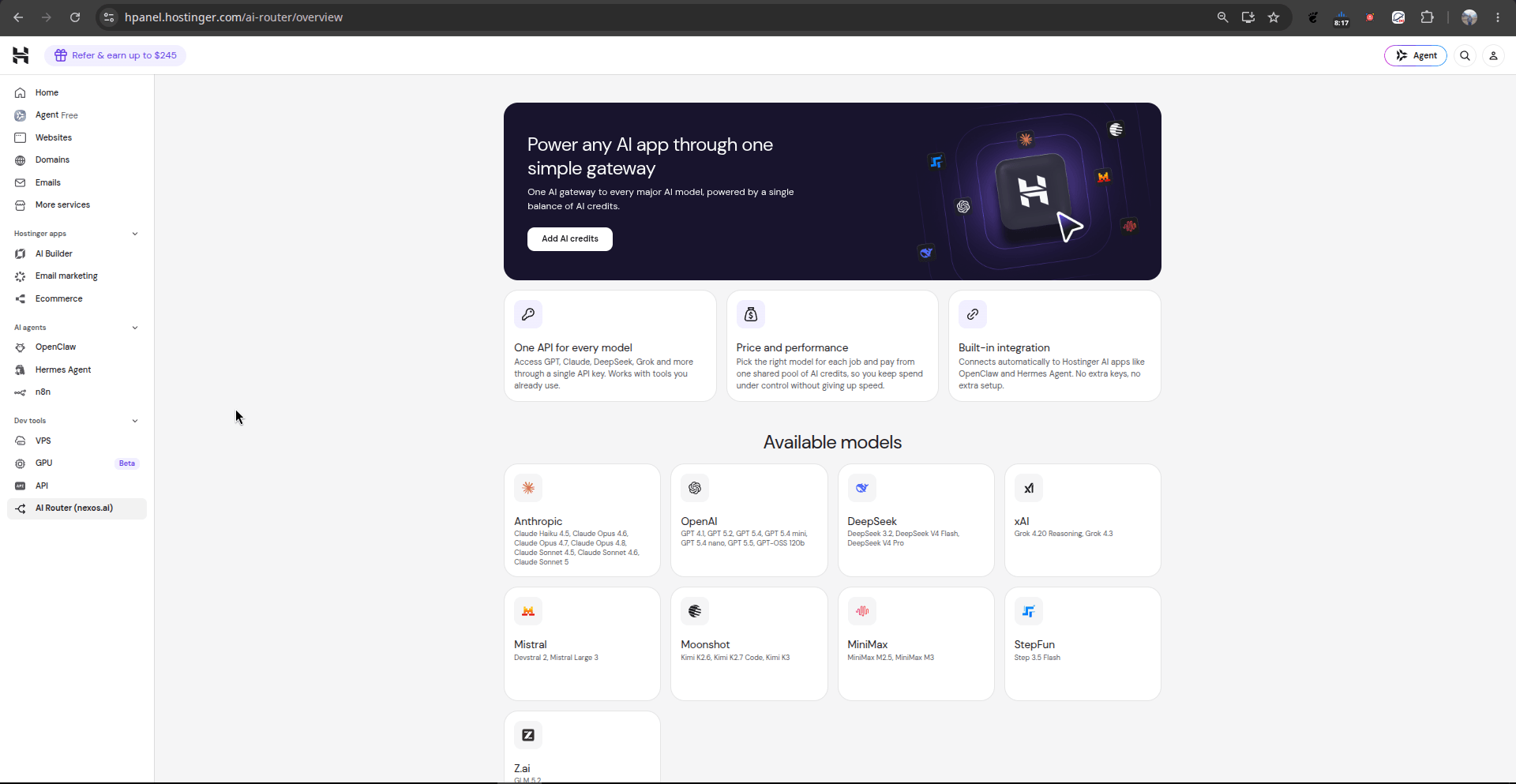
H. Multi-Model AI Router
- What You See: The AI Gateway (
[hpanel.hostinger.com/ai-router/overview](https://hpanel.hostinger.com/ai-router/overview)) consolidates leading foundation models (Anthropic Claude, OpenAI GPT series, DeepSeek, xAI Grok, Mistral, Moonshot, MiniMax, StepFun, and Z.ai) under a single API key and shared credit balance. - Feature Review: Removes the friction of managing disparate billing portals and separate API keys across multiple AI model providers.
Special Offer: Want to experience top-tier hosting with an exclusive discount? Use the given link to get 20% off your first plan: Hostinger Link with Code
3. Summary of Hostinger Hosting Categories and Upgrades
Choosing between Hostinger’s hosting tiers comes down to balancing cost against dedicated hardware, control, and performance headroom. Moving up to higher-priced tiers unlocks distinct advantages:
Shared Web Hosting (Single, Premium, Business/Unlimited):
- What it provides: An affordable, fully managed setup utilizing Hostinger’s custom hPanel and LiteSpeed Web Server technology. It is ideal for personal websites, blogs (like Sigmablogger.com), and early-stage portfolios.
- Why you pay more for higher shared plans (Business/Unlimited): Moving from entry plans to Business doubles CPU cores, expands RAM, upgrades standard SSD to high-speed NVMe storage, increases inode limits, adds daily automated backups, integrates a free CDN, and supports server technologies like Node.js.
Cloud Hosting (Cloud Startup, Professional, Enterprise):
- What it provides: The user-friendliness of hPanel paired with dedicated virtual cloud resources. Your site runs on isolated CPU and RAM without requiring command-line server management.
- Why you pay more: You receive up to 4x to 6x the processing power of shared hosting (4–6 dedicated CPU cores, 4–12 GB RAM, and up to 300 GB NVMe storage), a dedicated IP address, priority 24/7 technical support, on-demand backups, and higher PHP worker allocations to handle heavy e-commerce checkouts and high traffic volumes smoothly.
VPS Hosting (KVM 1, KVM 2, KVM 4, KVM 8):
- What it provides: Completely isolated, self-managed virtual machines running on KVM virtualization with dedicated NVMe storage, vCPUs, and RAM.
- Why you pay more: Full root access, custom operating system choices (Debian, Ubuntu, AlmaLinux, Rocky Linux), isolated IP addresses, Docker support, custom firewall rules, and dedicated compute environments for running web applications, microservices, or game panels.
Specialized Infrastructure (GPU Instances & AI Router):
- What it provides: On-demand compute for machine learning inference, fine-tuning, and multi-model AI application routing.
- Why you pay more: Direct hourly billing for enterprise-grade hardware (NVIDIA RTX 4090, L40S, A100, and B200 accelerators up to 192 GB VRAM) and unified API gateways providing access to leading intelligence models under a single credit balance.
4. Comparison of Hosting Tiers and Features
| Hosting Tier | Best Suited For | Key Capabilities & Limits | What Higher Tiers Add (Why Pay More) |
| Shared: Entry (Single / Premium) | Small blogs, portfolio sites, beginners | 1–3 websites, 10–20 GB SSD, 1–2 GB RAM, 1 CPU core, free SSL | Baseline entry point; limited to weekly backups and fewer simultaneous processes. |
| Shared: Advanced (Business / Unlimited) | Growing content hubs, high-traffic blogs, e-commerce | Unlimited websites, 50–100 GB NVMe, 3 GB RAM, 2 CPU cores | Upgraded NVMe speed, daily backups, object cache for WordPress, free CDN, and higher inode thresholds. |
| Cloud Hosting (Startup to Enterprise) | Mission-critical business platforms, heavy WooCommerce | Isolated 4–6 CPU cores, 4–12 GB RAM, 100–300 GB NVMe, unlimited bandwidth | Dedicated hardware resources, dedicated IP address, priority queue support, and seamless auto-scaling. |
| VPS Hosting (KVM 1 to KVM 8) | Developers, software engineers, custom app hosting | 1–8 vCPU cores, 4–32 GB RAM, 50–400 GB NVMe, 4–32 TB bandwidth | Full root access, kernel-level customization, dedicated IPv4/IPv6, Docker deployment, and scriptable environments. |
| GPU & AI Compute | LLM fine-tuning, heavy parallel compute, AI agents | NVIDIA RTX 4090 to B200 GPUs (24 GB to 192 GB VRAM), unified multi-model AI router | High-throughput tensor processing, eliminating the need for expensive local hardware purchases. |
5. Hosting Pricing Ranges (USD Only)
Pricing varies based on resource tiers, commitments, and billing cycles (1-month, 1-year, 2-year, or 4-year durations):
Shared Web Hosting:
- Introductory Range: $1.99/mo to $3.59/mo (on 48-month terms).
- Renewal / Short-term Range: $9.99/mo to $13.99/mo (monthly rates), renewing at standard rates between $9.99/mo and $16.99/mo.
Cloud Hosting:
- Introductory Range: $7.99/mo to $26.99/mo (on multi-year terms).
- Renewal / Standard Range: $19.99/mo to $59.99/mo (monthly rates), renewing at standard rates between $25.99/mo and $69.99/mo.
KVM VPS Hosting:
- Introductory Range: $4.99/mo to $17.99/mo (on 24-month terms).
- Renewal / Standard Range: $8.99/mo to $49.99/mo (monthly rates), renewing at standard rates between $11.99/mo and $47.99/mo.
On-Demand GPU Instances:
- Hourly Rates: From $0.38/hr (RTX 4090 24GB) to $7.08/hr (Dedicated NVIDIA B200 192GB).